One QR code.Every guest photo, in one place.
No app to download. No account to make. Just scan and share.
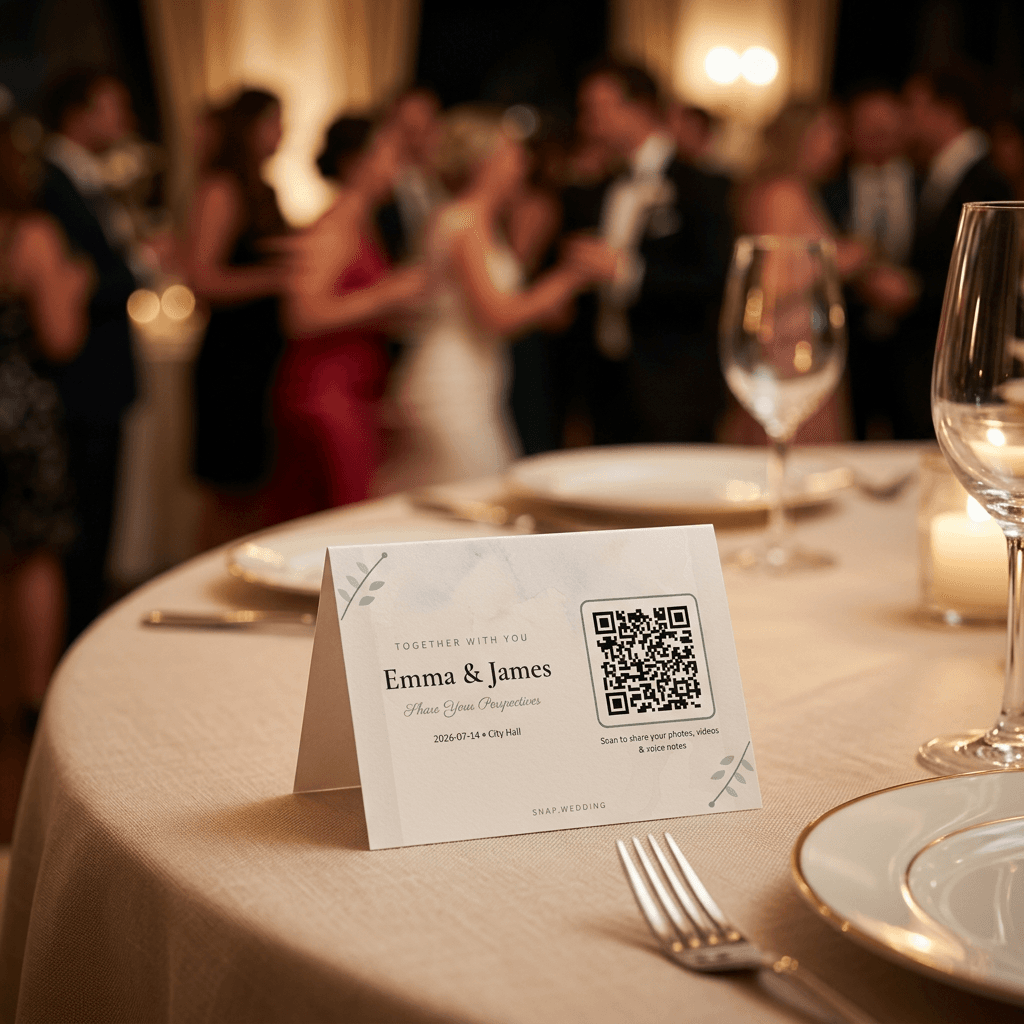
Print your Snap Wedding QR code on table cards, signage, or your programs. Guests scan it with their phone camera and upload photos, videos, and voice messages straight into your private album - during the ceremony, the reception, and everything in between.
4.9 average from couples who used it at their wedding
A photo booth guests carry in their pocket.
A wedding QR code for photos is a scannable code - printed on a card, sign, or napkin - that opens a private upload page for your event. Guests scan it once and can keep uploading all night, no app or account required.
It's just a link, in code form
Your Snap Wedding QR code points straight to your private album's upload page. No middleman app, no login screen guests have to fight with mid-toast.
Works on every phone
iPhone or Android, the native camera app reads it. If a guest can take a photo, they can use your QR code - grandparents included.
Captures the whole day, not just cocktail hour
Put it on table cards, the welcome sign, and the program. Every guest, at every moment, has a way to hand you what they captured.

As easy as I Do
Three simple steps from setup to an album full of love.
Style
Personalize your album with your names, wedding date, and matching QR cards.
Styling
Emma & James
Cover
Album welcome header
Classic Elegance
Warm serif tones
QR Card
Emma & James
June 14, 2026
Scan to share
Classic Frame · A6
Scan
Guests simply scan the QR code. No app downloads, no sign ups, no complicated instructions.
Share
Every photo and video appears instantly inside your private wedding album, ready to relive anytime.
Emma & James
June 14, 2026 · Napa Valley
"The first look"

"The speech"
You looked so happy tonight. Couldn't be prouder of you both.
— Aunt Sarah
Where to put your QR code
The more places guests see it, the more of the day you get back.
On every table card
The highest-traffic spot. Guests see it the moment they sit down for dinner.
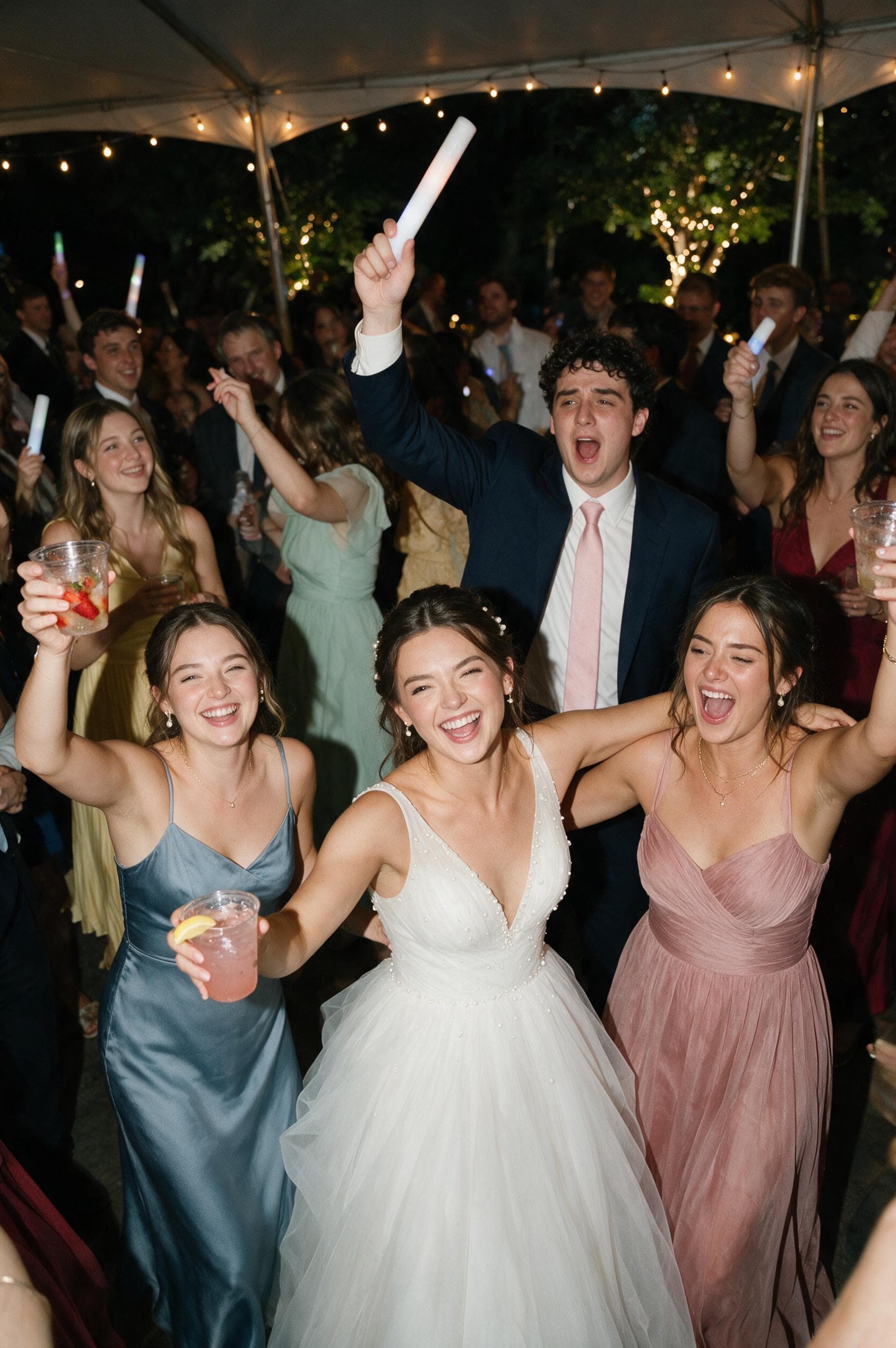
Near the dance floor
A small sign by the DJ booth or bar catches guests right when the candid moments happen.
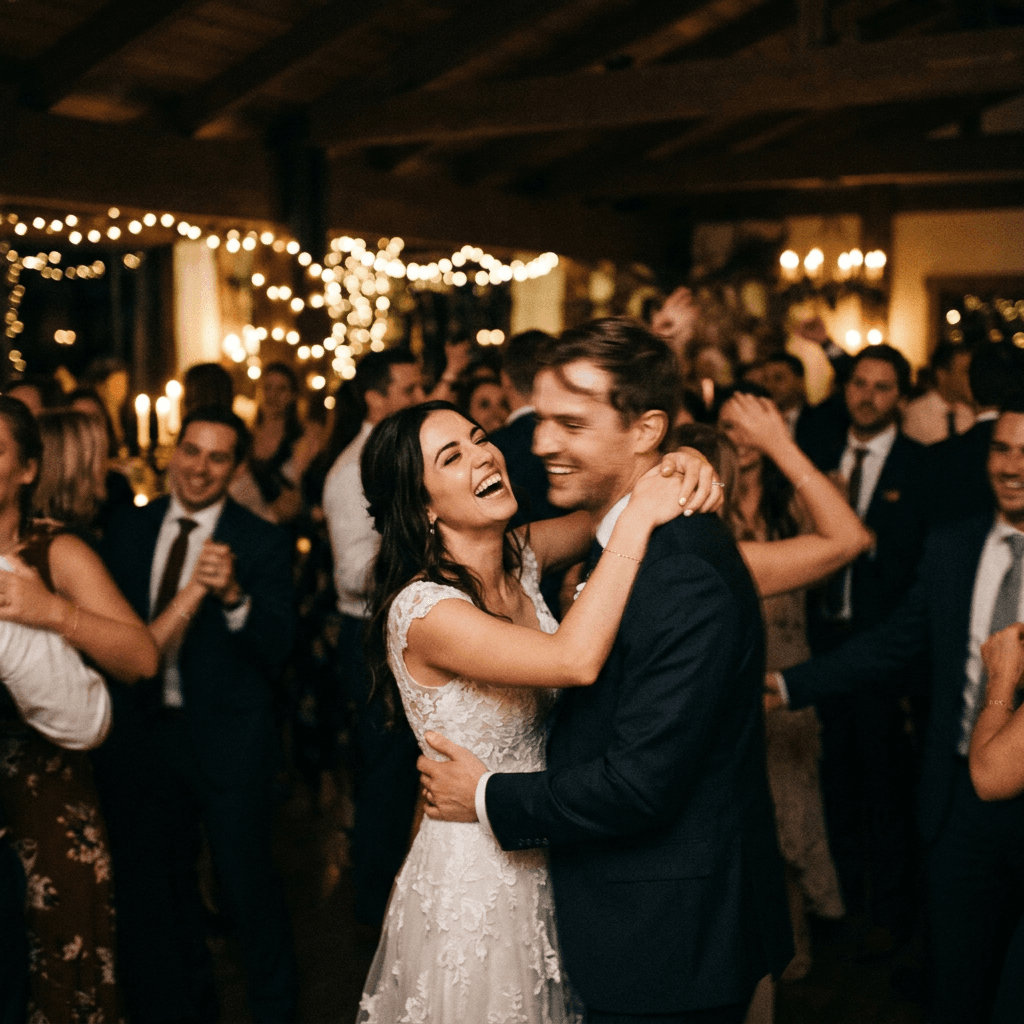
On your welcome sign
Set expectations early - guests know to start snapping from the moment they arrive.
“The next morning I found photos I'd completely missed. My grandma on the dance floor, my cousin's toast from three tables away. Small stuff, but it's what I'll actually look back on.”
“Guests started uploading during cocktail hour and didn't really stop. We had the live album up during dinner and people kept nudging each other when new photos came in.”
“We used it for the rehearsal dinner and the wedding itself. Nice to have both days in one place instead of digging through group chats later.”
Questions? We've got you.
Anything else, we're a message away.
No. Guests scan your QR code with their phone camera and upload straight in the browser. No app, no account, and no password required.
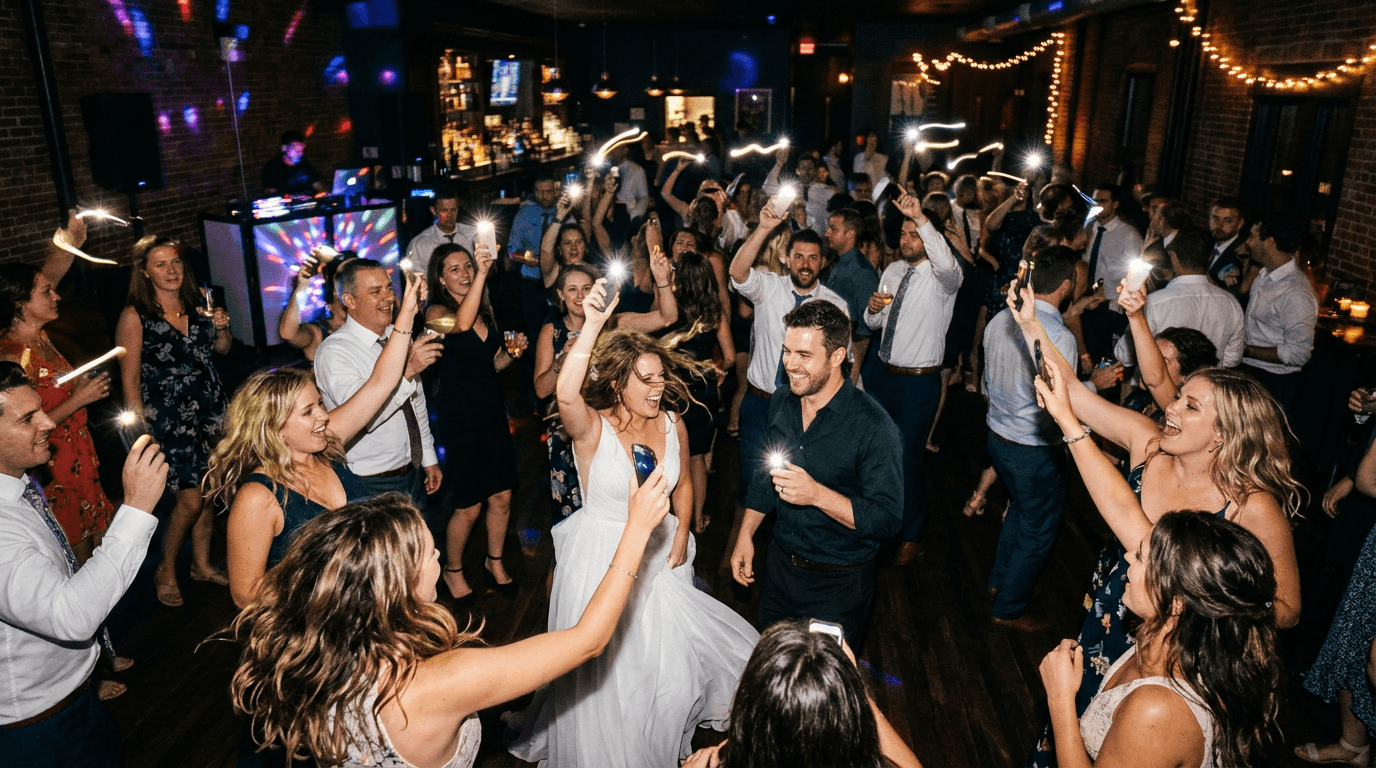
One QR code away
Every seat in the room is holding a camera. Give them somewhere to put it.
No subscriptions. One private home for every memory your guests share.